- Published on
AEM Quicklink Navigator - chromium based browser extension by Khalil
- Authors

- Name
- Khalil
- @Im_Khalil
AEM development is indeed tough job. Navigating to different consoles wastes a lot of time. Although making a bookmark for every console saves time, but bookmarking is not an option when there are multiple environments.
I've developed a chromium-based web browser plugin that makes it simple and much quicker to switch between various AEM consoles of each environment.
It is developed as per touch UI.
On first install, it will display default author and publish environments running on ports 4502 and 4503.
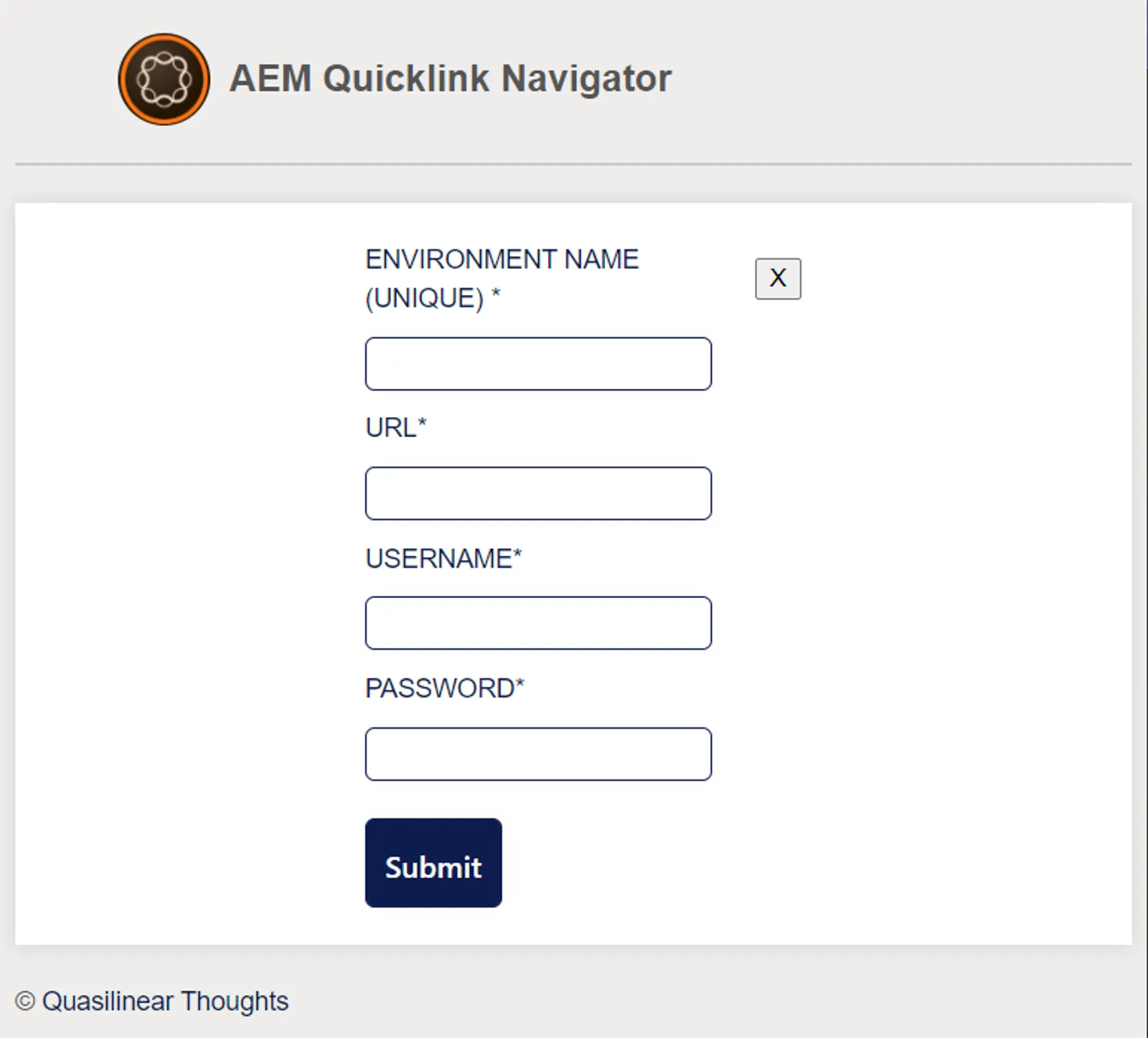
The core feature of the extension is it will allow to add multiple environments.
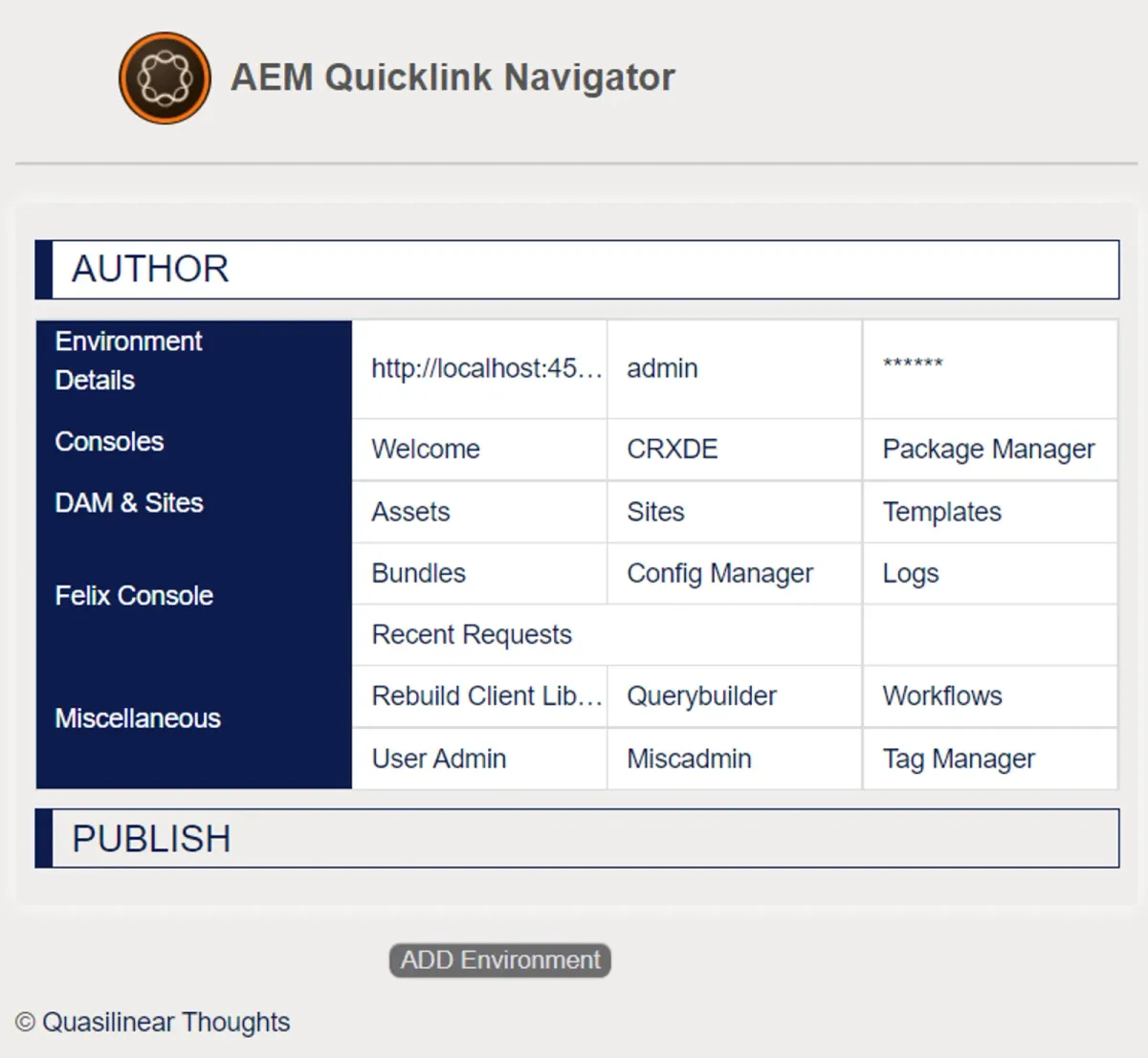
Features:
Consoles :
- Welcome
- CRXDE
- Package Manager
Dam & Sites :
- Assets
- Sites
- Templates
Felix Console:
- Bundles
- Config Manager
- Log Manager
- Recent Requests
Miscellaneous:
- Rebuild clientlibraries
- Query builder debugger
- Workflows
- User Admin
- Miscadmin
- Tag Manager
For Microsoft Edge Browser:
Download and install extension from here
For Google Chrome Browser :
Currently, extension is not available on Google Chrome web store. But you can install the extension on Google chrome by following the below steps.
- Download and extract quicklink-navigator.zip
- Enter following url in Google Chrome chrome://extensions
- Enable Developer mode

- Click on
Load unpackedbutton and select the extractedquicklink-navigatorfolder. - AEM Quicklink Navigator is installed on Google Chrome and is ready for use.
You might also like to read
- 1.Streamline Repetitive Tasks with Java - A Simple AutoClicker Application by Khalil
- 2.I built a bot that tracks AEM Cloud Service documentation changes (so I don't have to)
- 3.Oak Index Studio: a free tool for generating AEM Oak Lucene indexes from your query
- 4.Automatically Add Entry and Exit Logging to Java Methods
- 5.How to monitor replication queues in AEM